

Green Sprite
The classic green-screen remover. Global key over green dominance, optional edge cleanup + green repair for contaminated outlines.
--profile green · reference →What each operation does, its exact options, and its CLI call — straight from the reference. One shot per function. Full detail lives in the handbook.
MutaSprite is a free, 100%-local Windows toolbox that removes flat-colour backgrounds from game sprites — green screen, magenta, white or any custom colour — turning them into clean transparent PNGs (free forever, no account, no cloud). Optional one-time modules add AI-art-to-pixel-art conversion (Pixelize), 9-slice + SliceX cutting, folder Batch automation and Undetail — €3–€12 each, or the Studio-Kit for €19. Sold via Gumroad and itch.io.
All nine keying profiles — full quality, hard pixel edges (alpha 0/255, no resampling). No watermark, no trial, no account. Pick a profile per job:
The classic green-screen remover. Global key over green dominance, optional edge cleanup + green repair for contaminated outlines.
--profile green · reference →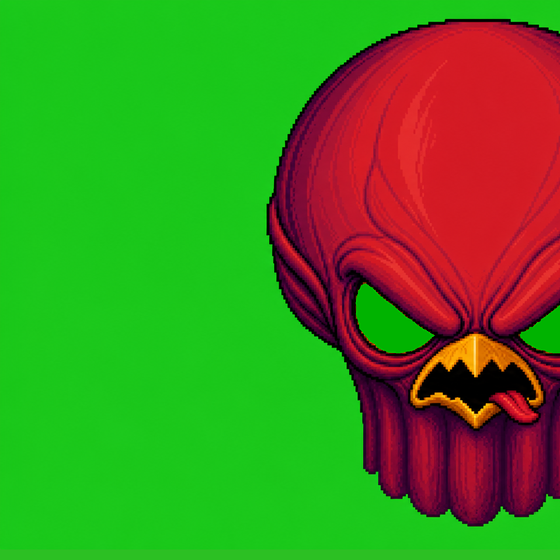

Removes only edge-connected background green — green that's part of your sprite stays untouched.
--profile green_hard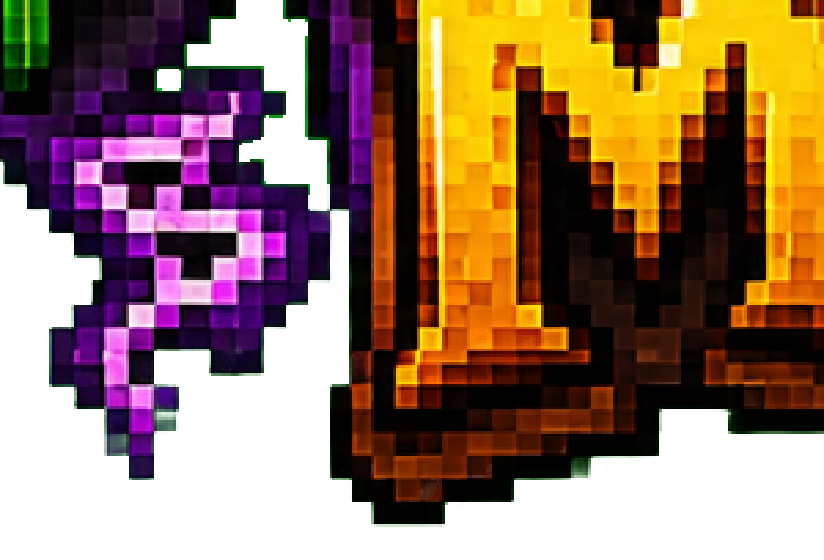
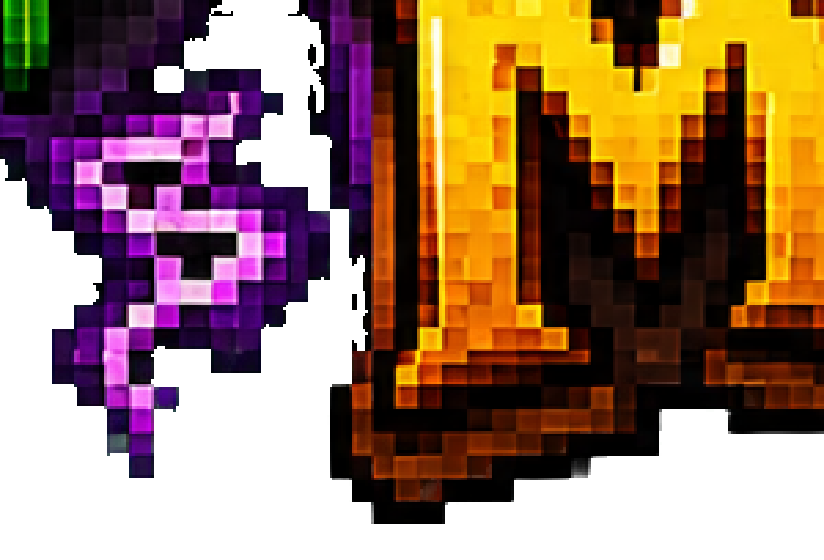
No keying — cleans green residue and rim glow off already transparent assets without touching content.
--profile residue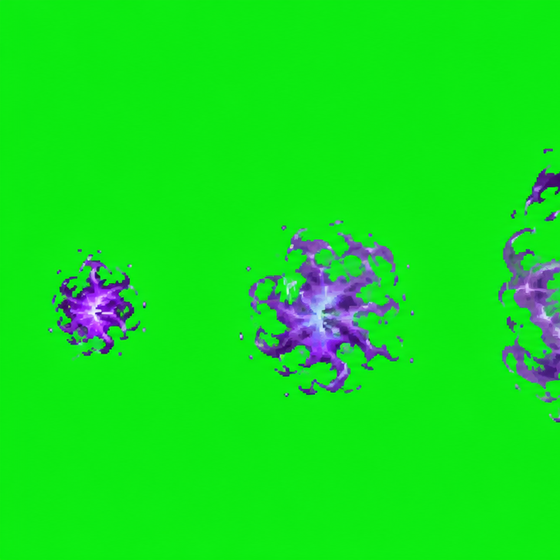
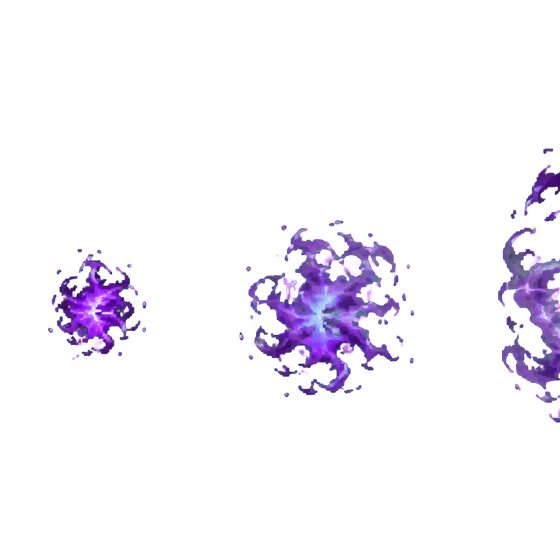
Measures the key per image, applies a soft matte — and passes through untouched when there's no key to find.
--profile auto (default)

Key any background color — pick it with the pipette or pass #RRGGBB, with tolerance 0–160.
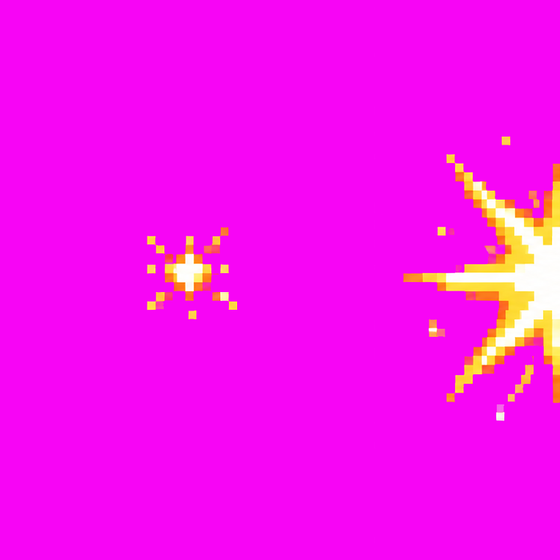
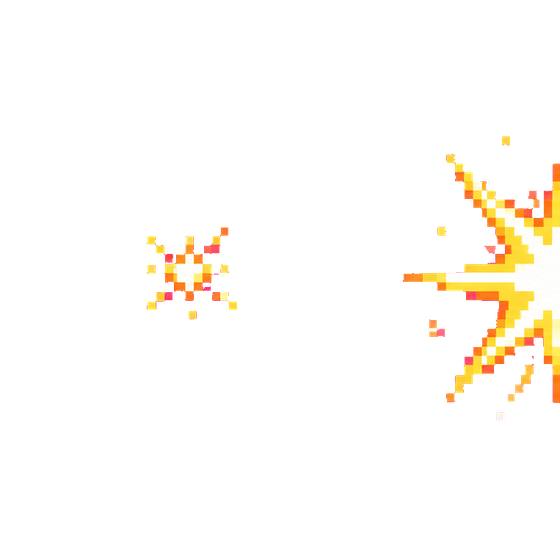
Magenta key tuned for sprites and outline art — when green would collide with your palette.
--profile magenta_sprite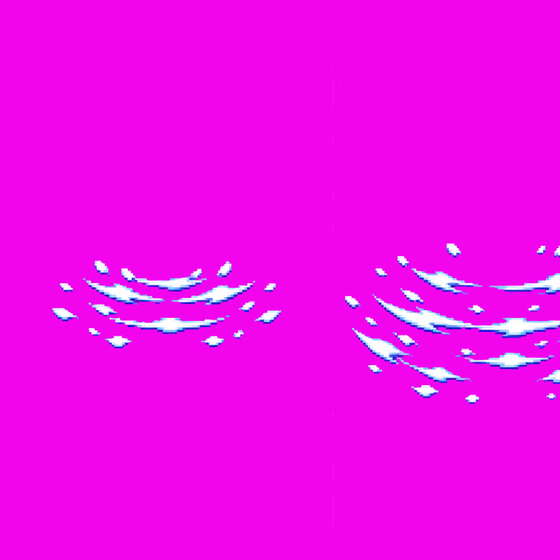
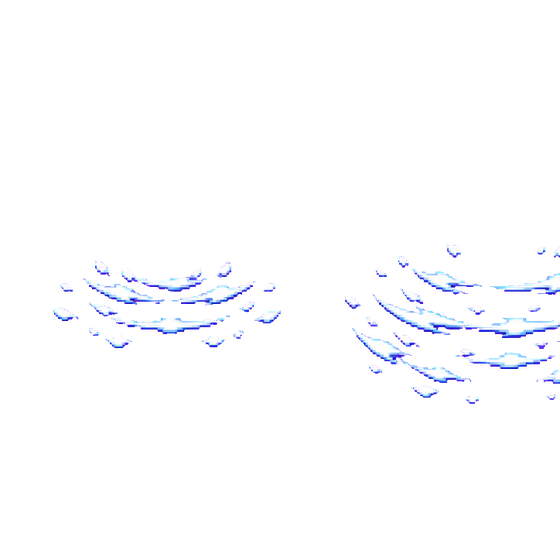
Magenta key for translucent FX and water sprites — keeps the soft interior, kills the key.
--profile magenta_fx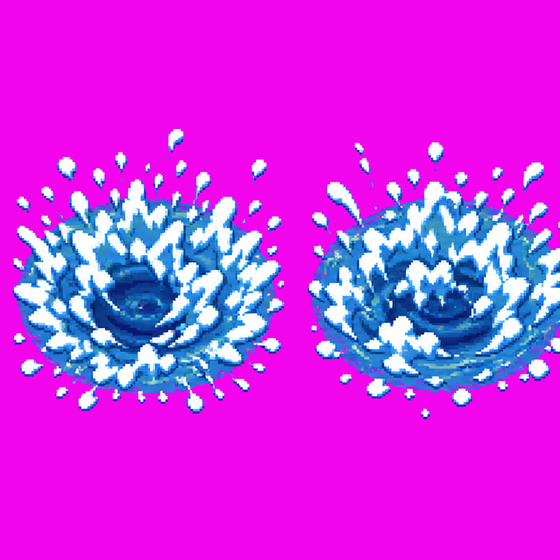
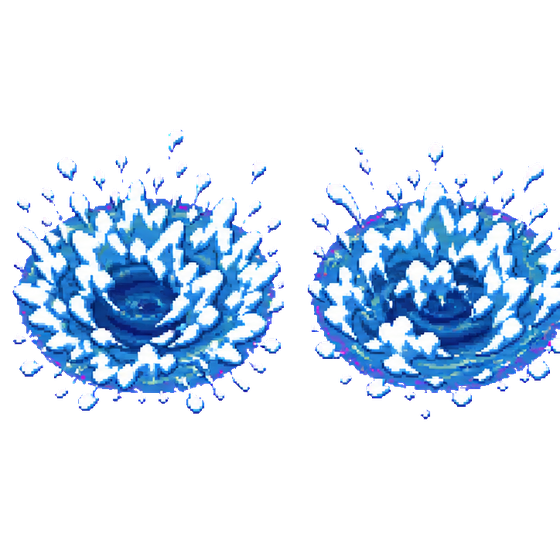
The stronger FX variant for stubborn magenta edges and heavy spill.
--profile magenta_fx_plus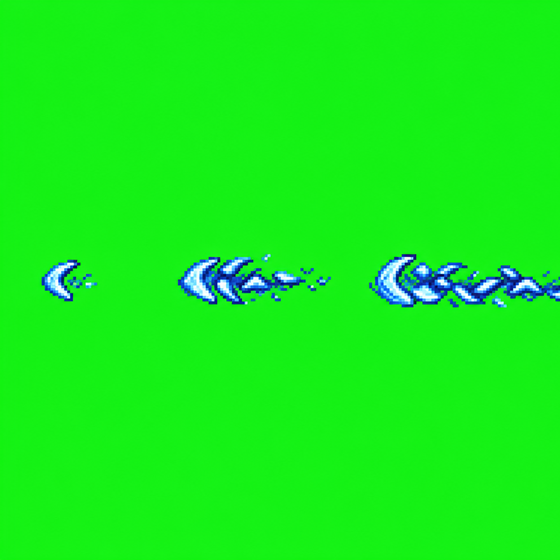
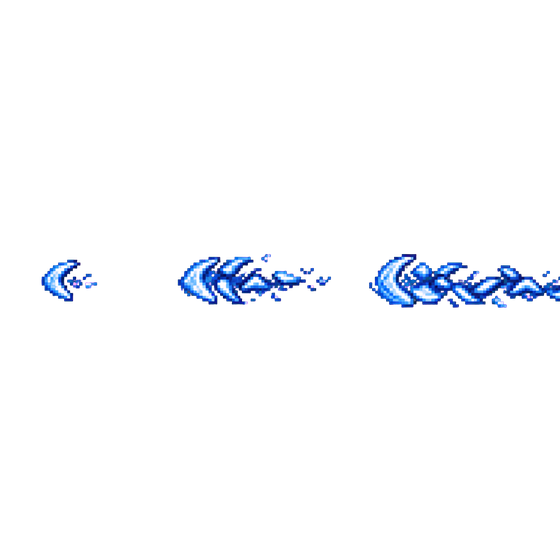
Soft-matte profile for glow, smoke and sparkles — translucent alpha instead of a hard cut.
--profile fx_glow--key-color #RRGGBB
--key-tolerance 0–160
--edge-cleanup on|off
--spill-radius 1–4
--spill-strength conservative…maximum
--green-repair off…strong
Pixelize turns painterly, rendered or AI-generated images into intentional classic pixel art: a true low-res grid, a curated palette, clean flat areas. Offline, deterministic, no GPU.
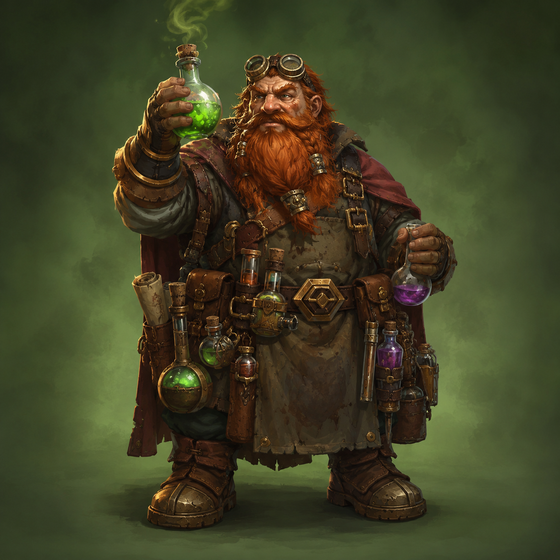
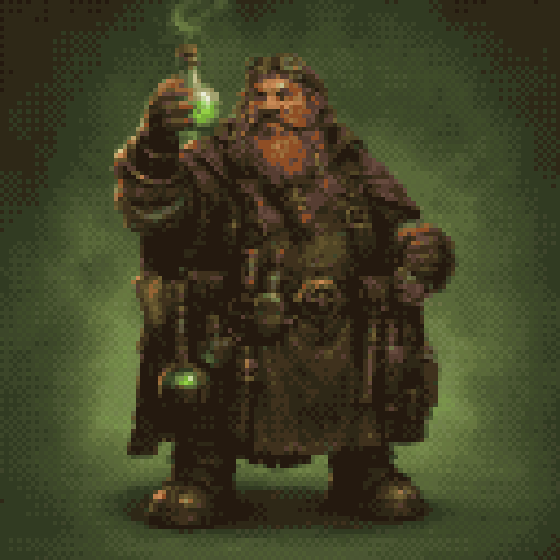
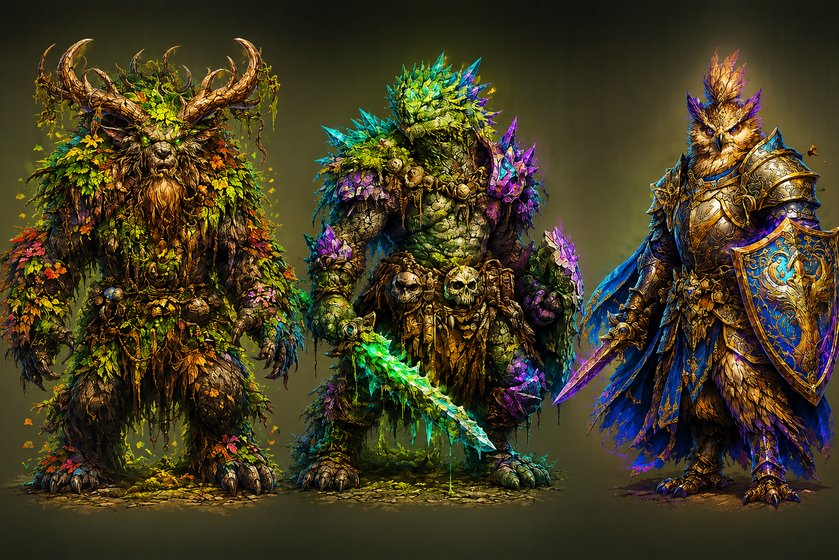
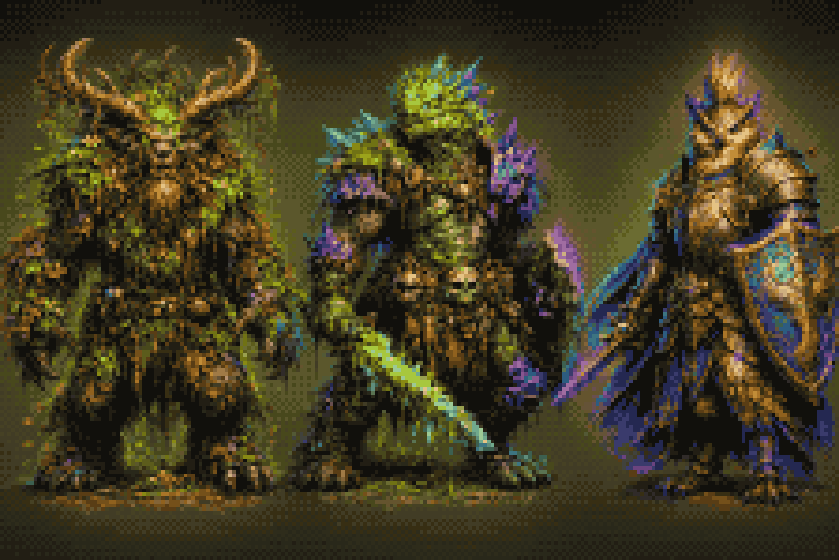
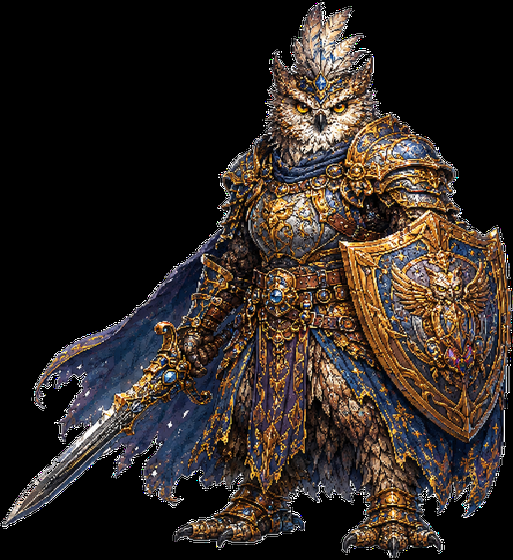
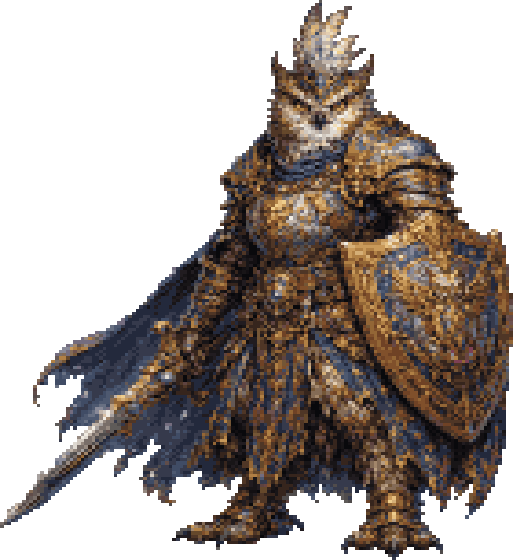
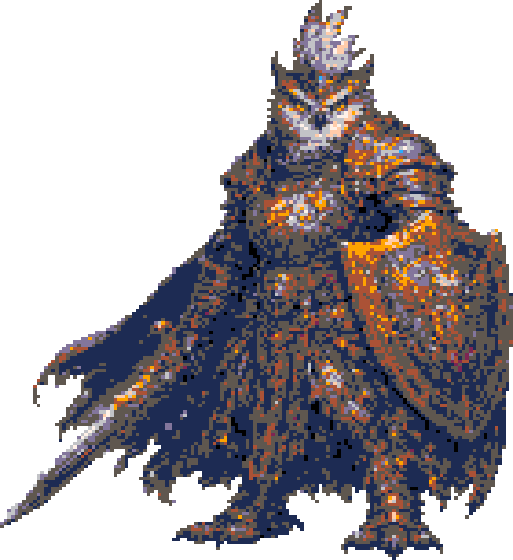
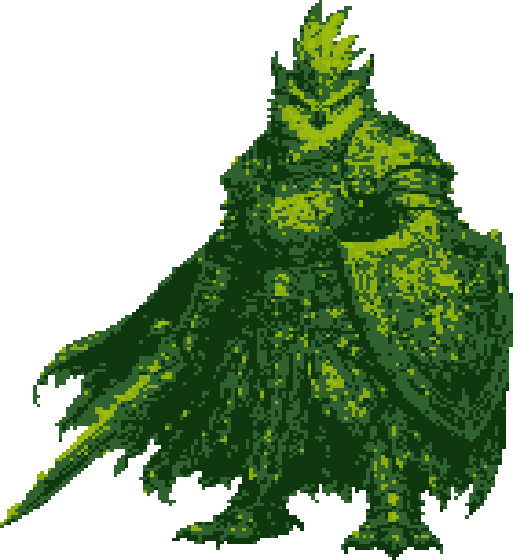
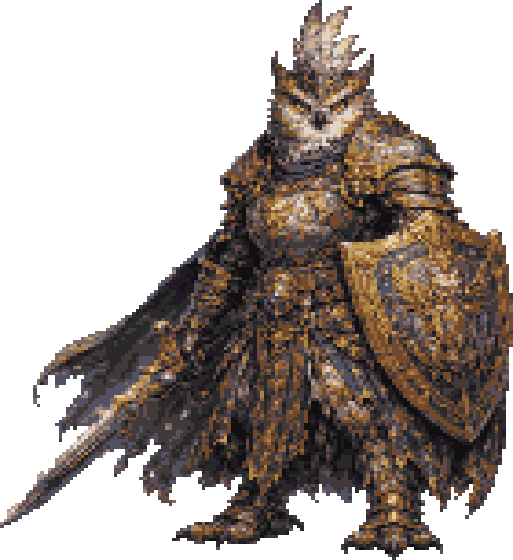
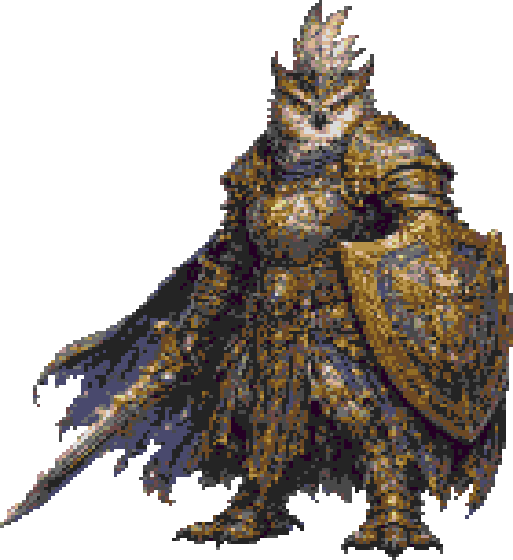
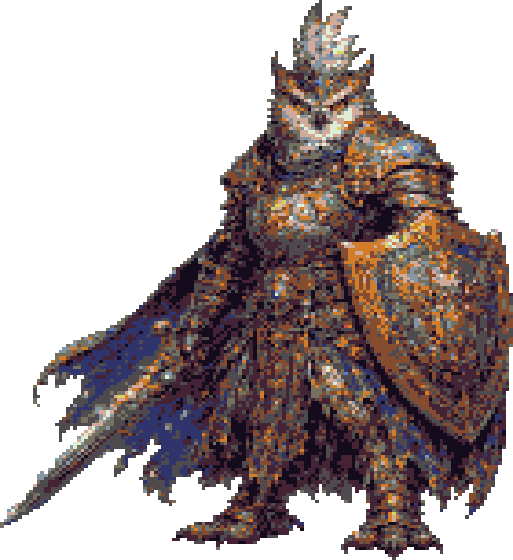
--pixelize-palette auto|db16|pico8|gameboy|md|snes
--pixelize-target-px 128
--pixelize-colors 24
--pixelize-dither off|bayer2|bayer4|floyd
CLI requires Batch & Automation / Studio-Kit
Full reference →
Standalone and engine-agnostic — process your assets before the import step, no Unity or Godot required.
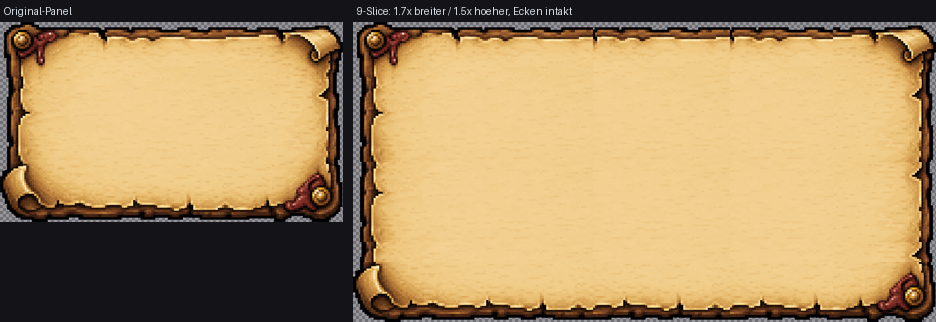
tl…br). Corners stay pixel-fixed; edges tile pixel-perfect (default) or stretch nearest-neighbor. 3-slice = one inset pair at 0.
name_r0c0.png). Pure cropping, never resampled.76px), optional absolute positions--slice-left/right/top/bottom px
--slice-fill tile|stretch
--slice-grid-xs "70,140,210"
--slice-grid-ys "65,130"
Full reference →
Every operation you own — the free ChromaKey included — runs across a whole folder. Modules are what you can do. Batch & Automation is how fast.
--check-update stays free. Paid operations also need their own module.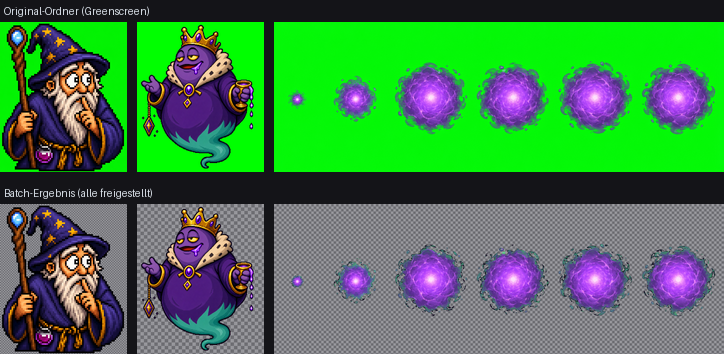
clean_sprite_chromakey.exe in.png out.png --profile green
CLI requires Batch & Automation / Studio-Kit
CLI overview →
Too-fine art becomes a coarser, intentional pixel structure — block by block, with no gray fringes and no half-transparent mush. Coarsen with UnDetail; convert with Pixelize.
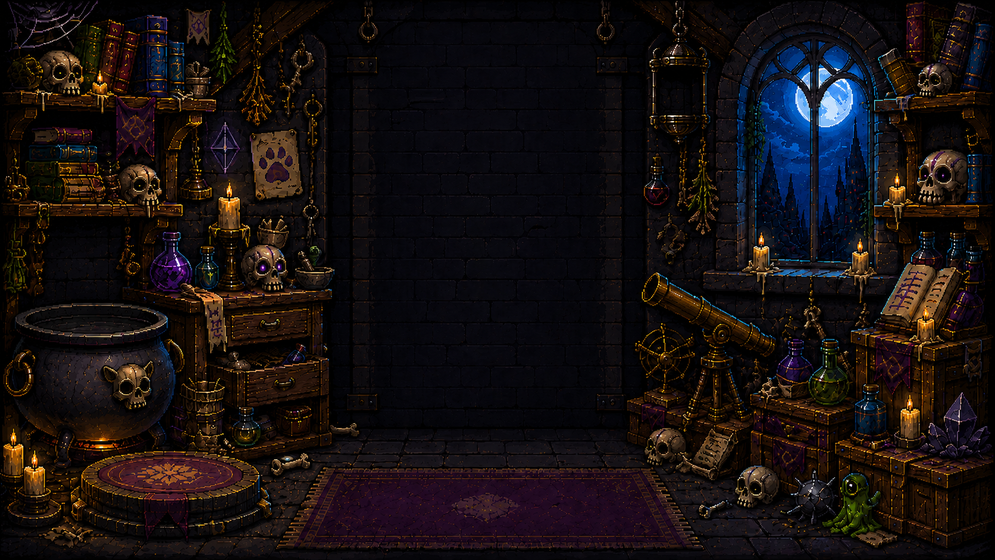
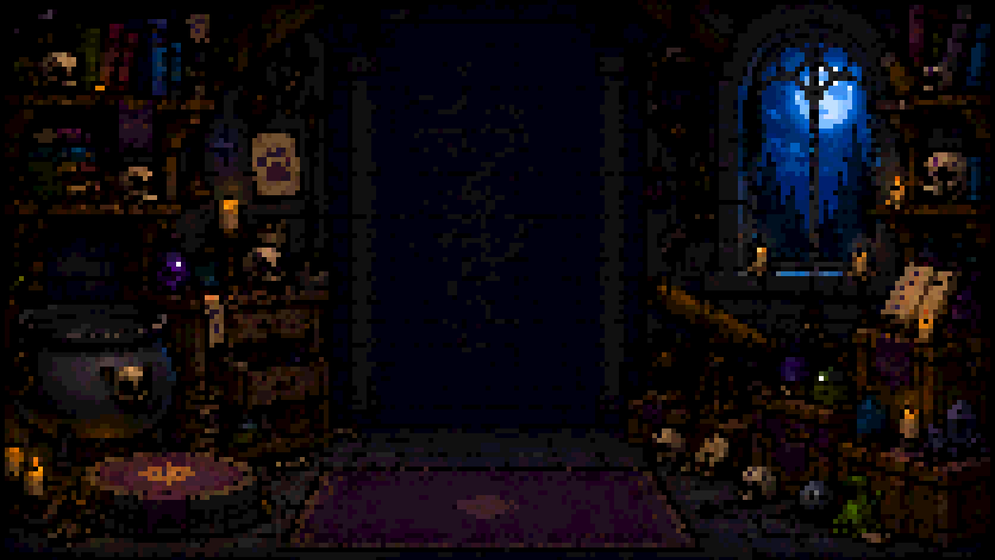

All nine keying profiles, full quality, free forever. Buy a module the day you hit its wall.
v0.15.3 · 31 MB · Windows 10 / 11